A local workspace for reproducible statistical analysis — a persistent R session, editable code, and an AI assistant you control.
External AI clients reach the same R session through structured tools, not by driving the browser.
Execute R and read back structured output, session state, plots and workspace files from any client that can send HTTP.
POST /api/agent/execA single-file, zero-dependency bridge exposing R execution, the latest plot, and workspace read/write as MCP tools.
rai_run_r · rai_get_plotDrop an .R script into a watch folder; collect JSON output, trace and plots — a reliable, version-controlled path.
watch → outbox/*.jsonChoose a method, fill a form, and get readable, editable R code in return.
Variables survive between runs; console, environment and plot history stay in sync.
Cloud providers or fully local runtimes. Keys are stored per provider and never returned to the browser.
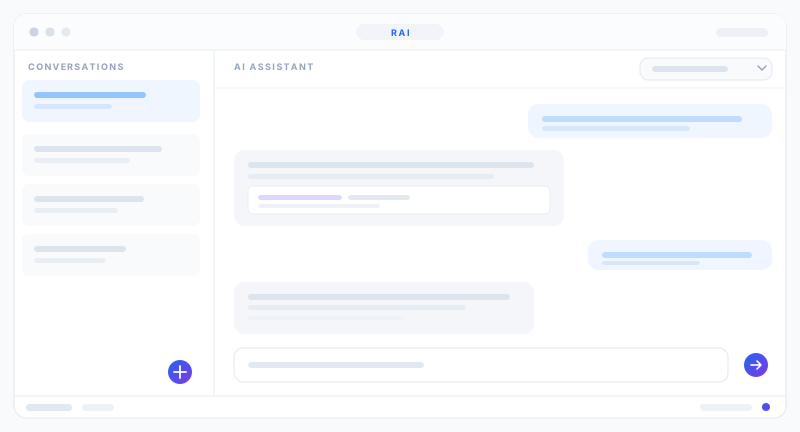
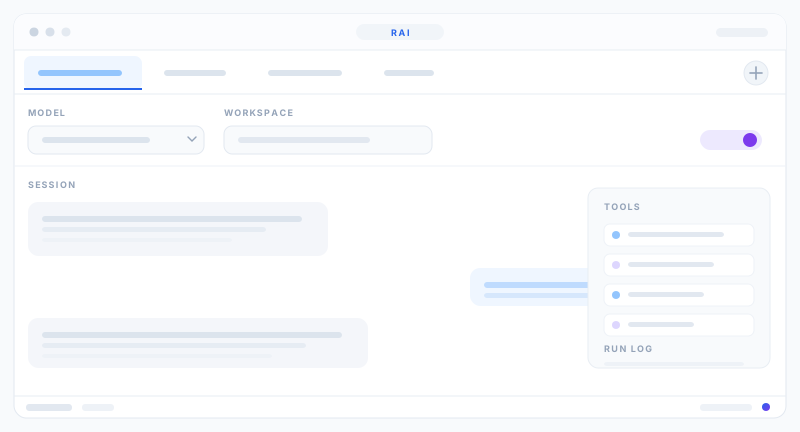
Multiple sessions, model switching, and tools that read files and run R code.
Drop in a plugin.json; new analyses and R sources register without frontend changes.
Install from CRAN, Bioconductor, GitHub or a local archive, with a visible install log.
Each run records the code, seed, R version, working directory and timestamp.
Binds 127.0.0.1 only. The offline lock refuses every non-loopback request.
Editor · Console / Preview / Reader · Environment · Plots / Packages / Plugins · AI Assistant
axum HTTP/WebSocket · token auth · /api/agent/* · manifest and plugin registry
session.R main loop · dispatcher.R · vector-first device fallback chain
R is called over inter-process communication — loose coupling, so the frontend and Rust code remain independent of R's GPL.
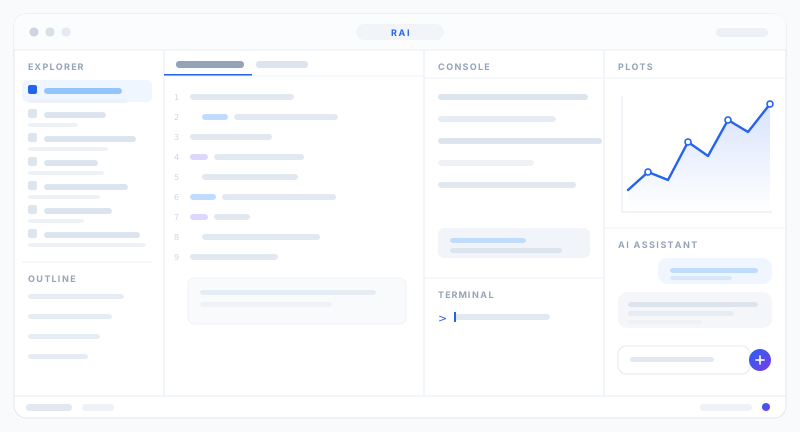
Explorer, editor, environment, console and AI assistant on one screen.
Model selection, visible data destination, and agent tools that operate on the workspace.
Each analysis keeps its own conversation; switch models without losing context.
Explorer · Editor + Environment · Console / Preview / Reader · Plots / Packages / Plugins / Help / Viewer / Presentation · AI Assistant